JavaScript Regular Expression(RegEx) demystified.

I am a Mathematics Graduate, currently learning web development.
What is RegEx ?
In JavaScript, regular expressions are objects, written in patterns to match character combinations in strings.
For example, you can check a form field for a valid email address, that has an @ symbol at a certain position and ends with .com or .io, etc.
You can create a form validation using regular expressions. RegEx for email looks like this:
let email = /^[a-zA-Z0-9.!#$%&’*+/=?^_{|}~-]+@[a-zA-Z0-9-]+(?:\.[a-zA-Z0-9-]+)*$/
This may look like gibberish, but we will soon demystify this syntax.
Creating a RegEx
you can use a regular expression literal, which consists of a pattern enclosed between slashes.
let regex = /Sagar/
Or, you can call the constructor function of the RegExp object.
let regex = new RegExp('Sagar')
The test() and match() method :
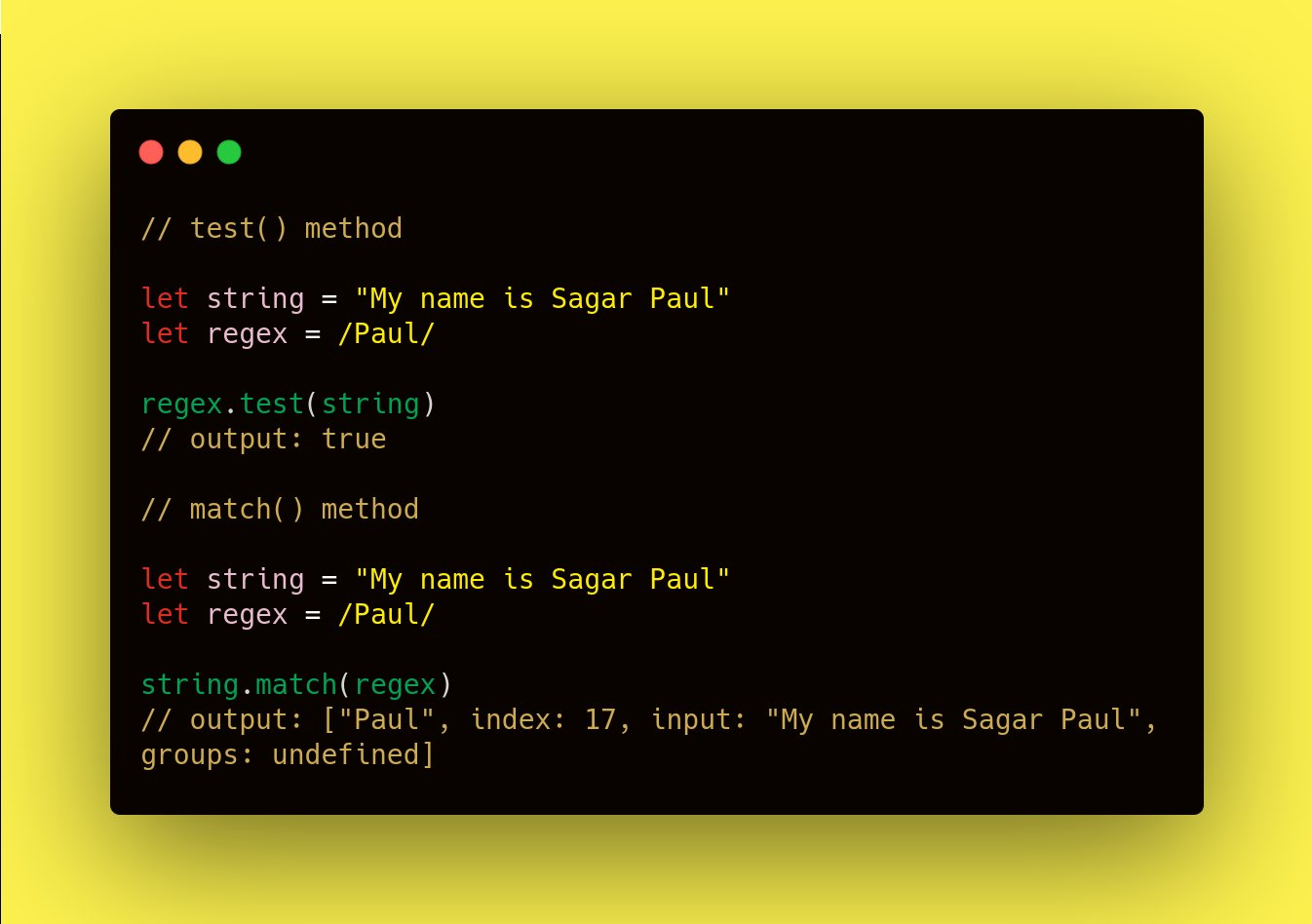
The test() method tests for a match in a string. It returns true or false.
The match() method returns an array containing all of the matches, including capturing groups, or null if no match is found.
Flags :
Besides the regular expressions, flags can also be used to help developers with pattern matching. Global(g) and Insensitive(i) flags are the most popular.
Adding 'i' at the end looks for the string between the forward slashes (case-insensitive)... matches "sing", "SinNG" etc.
Adding 'g' at the end looks for multiple occurrences of string between the forward slashes.
Character set :
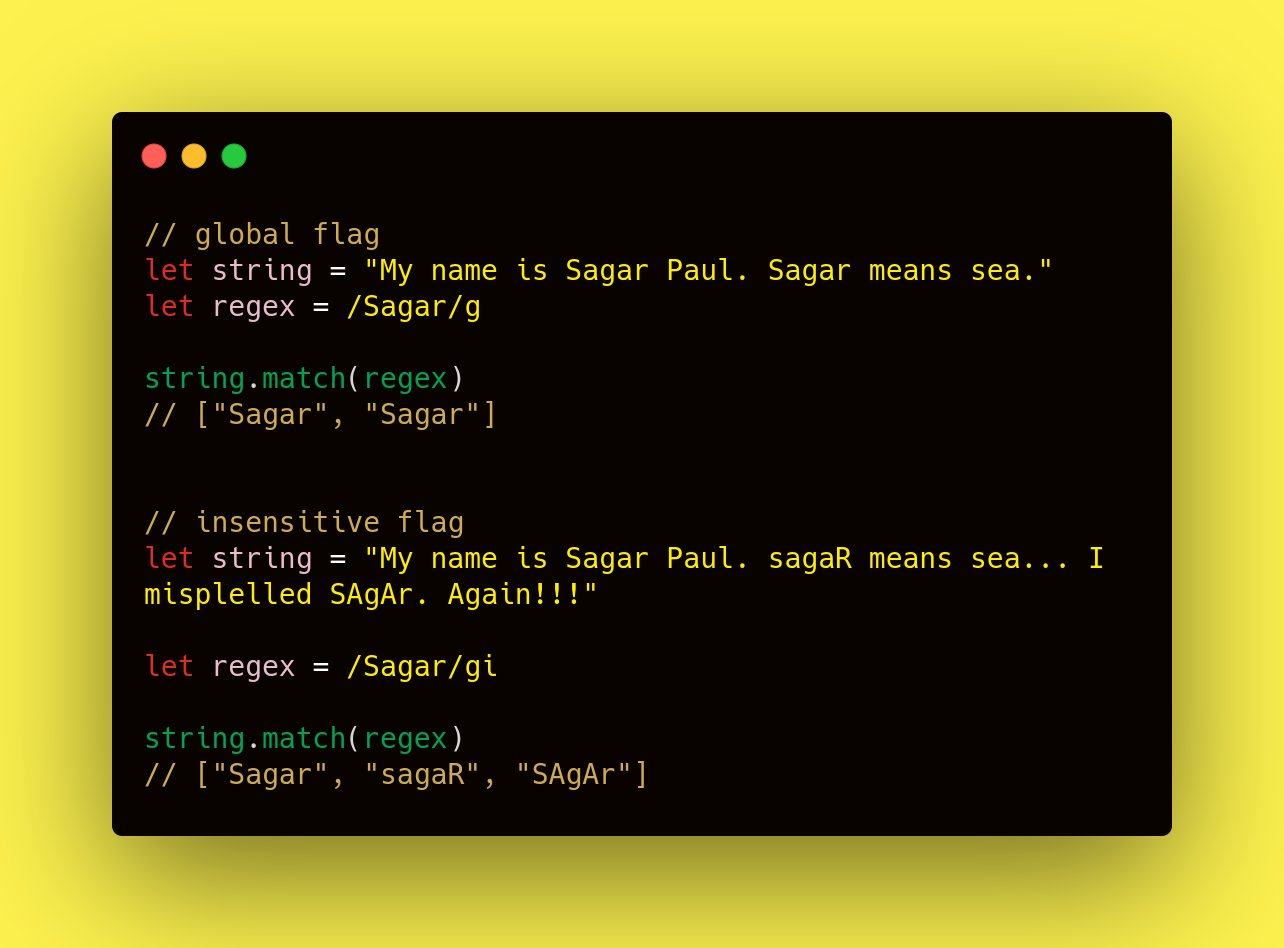
Suppose you want to match strings starting with a specific character.
For example, if you want to match 'see', 'bee' and 'pee' from the string "see, bee, pee, lee, zee", you can write [sbp]ee , the [] allows you to define characters you want to find!
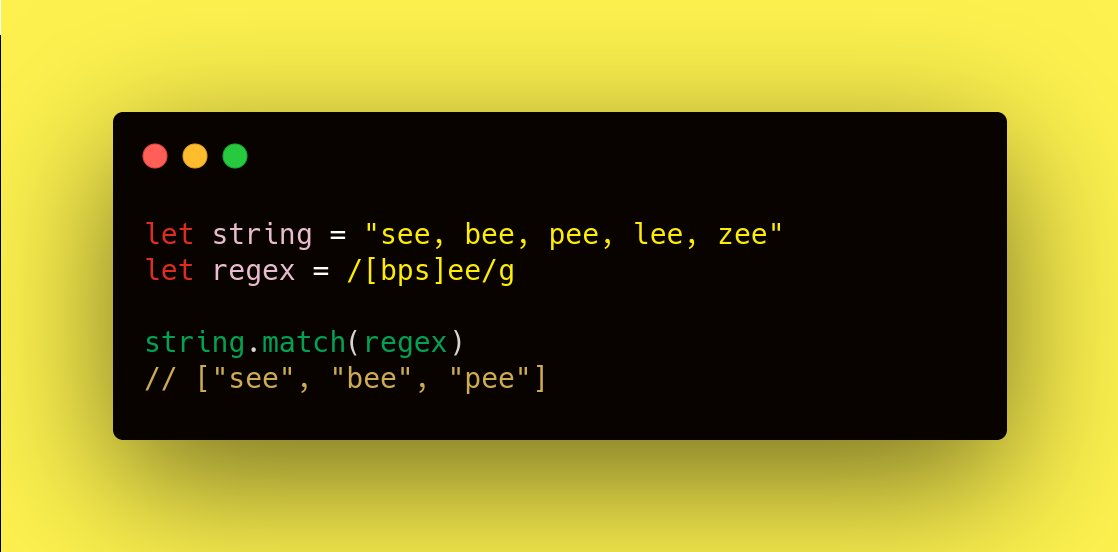
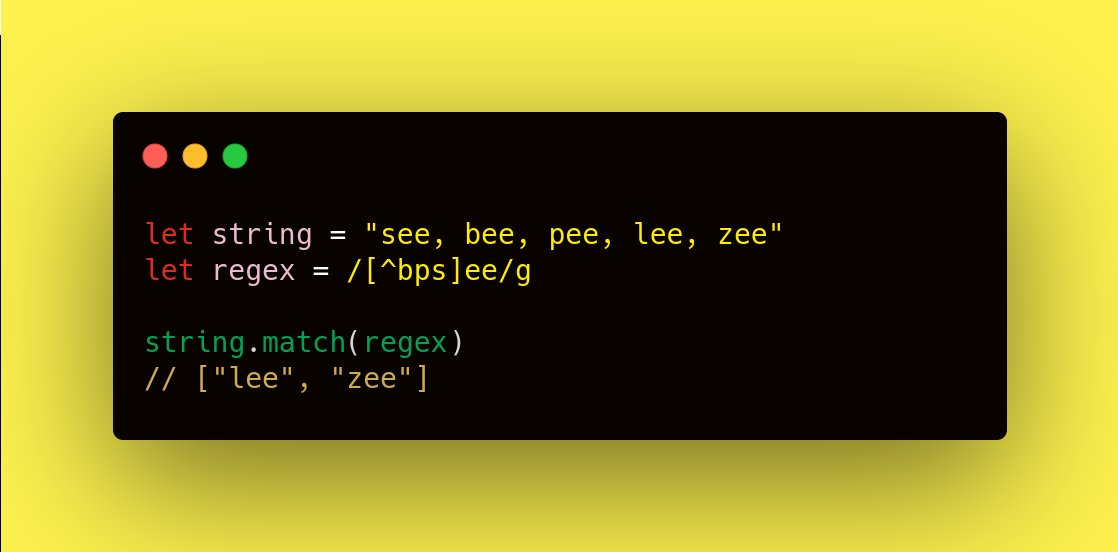
What if you want to find words except 'see', 'bee', 'pee'. You can write [^sbp]ee , it will match words starting with characters other than 's', 'b', 'p'.
Ranges :
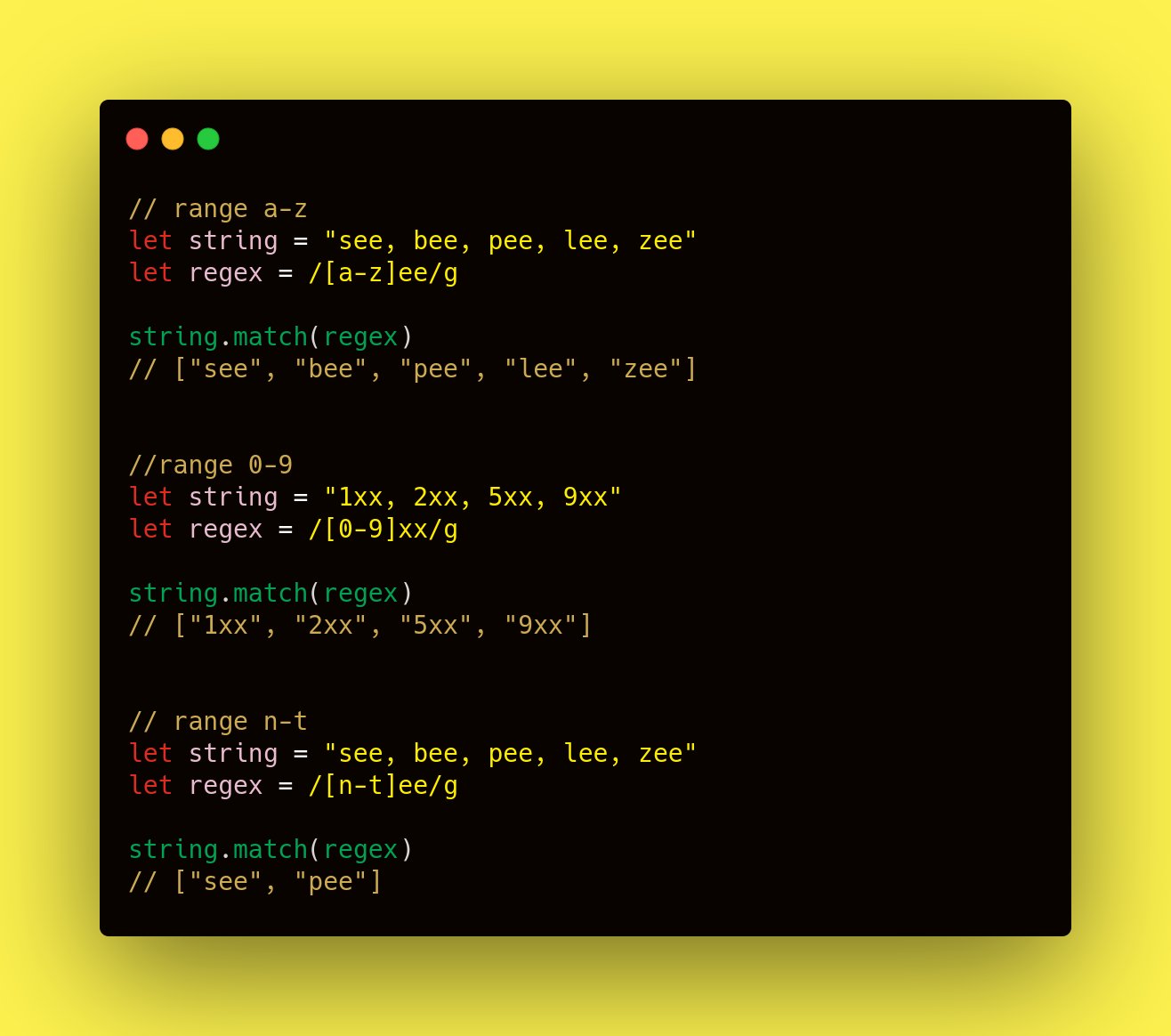
You can specify ranges in between []. And that will look for all the matches starting with the characters from the range.
For example, if you write [a-z]ee , it will match all the words 'bee', 'see', 'pee', 'lee', 'zee'.
Repeating characters :
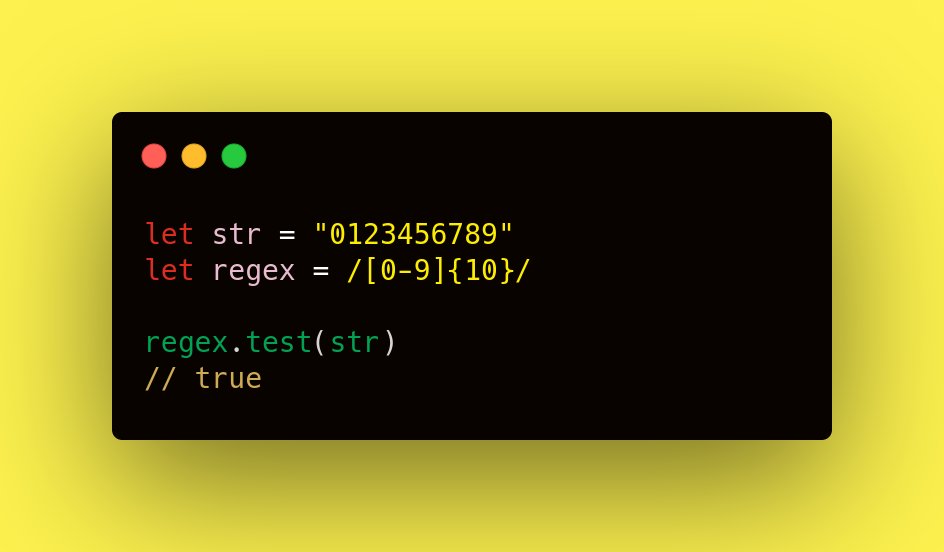
Suppose we want to match a 10 digit number. Now you can specify [0-9] ... 10times. Or you can write it like [0-9]{10}. This will match for a 10digit long number.
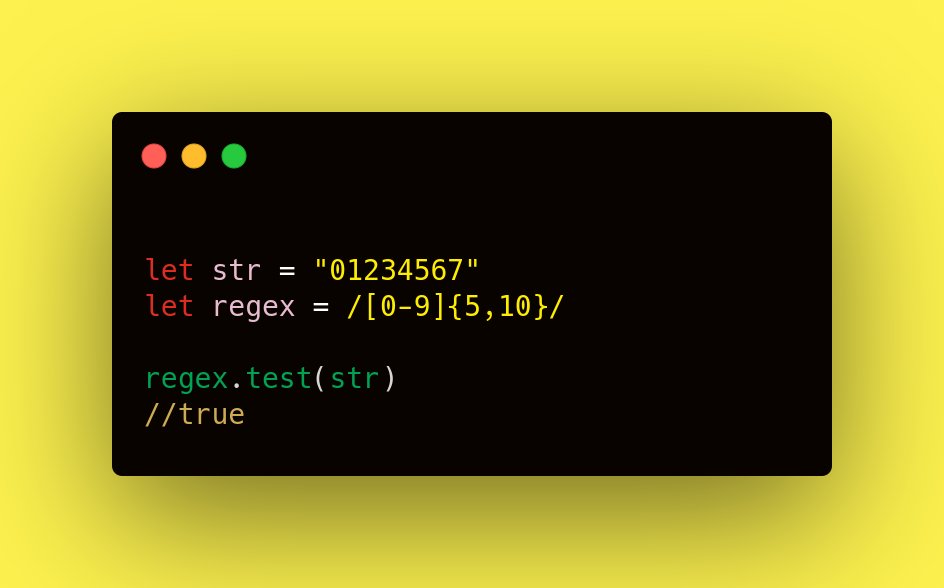
You can set a range for how long you want the number to be.
let regex = /[0-9]{5,10}/
This will match for numbers between 5 and 10 digits long.
Metacharacters :
There are a lot of metacharacters, But we will learn these 4.
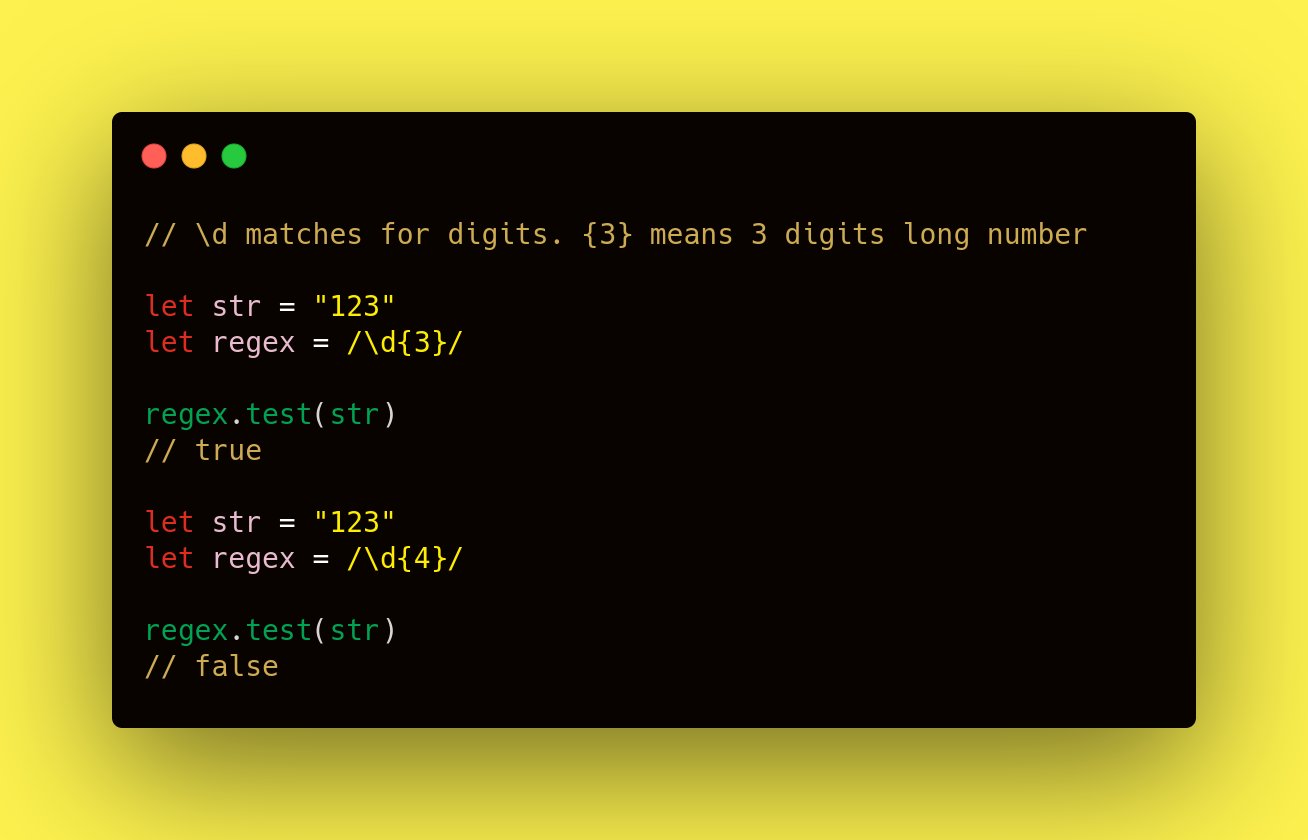
\d : Match any digit character. Same as [0-9].
\w : Match any word character. A-Z, a-z, 0-9, and _'s.
\s : Match a whitespace character. Space, tab, etc.
\t : Match a tab character only.
Special Characters :
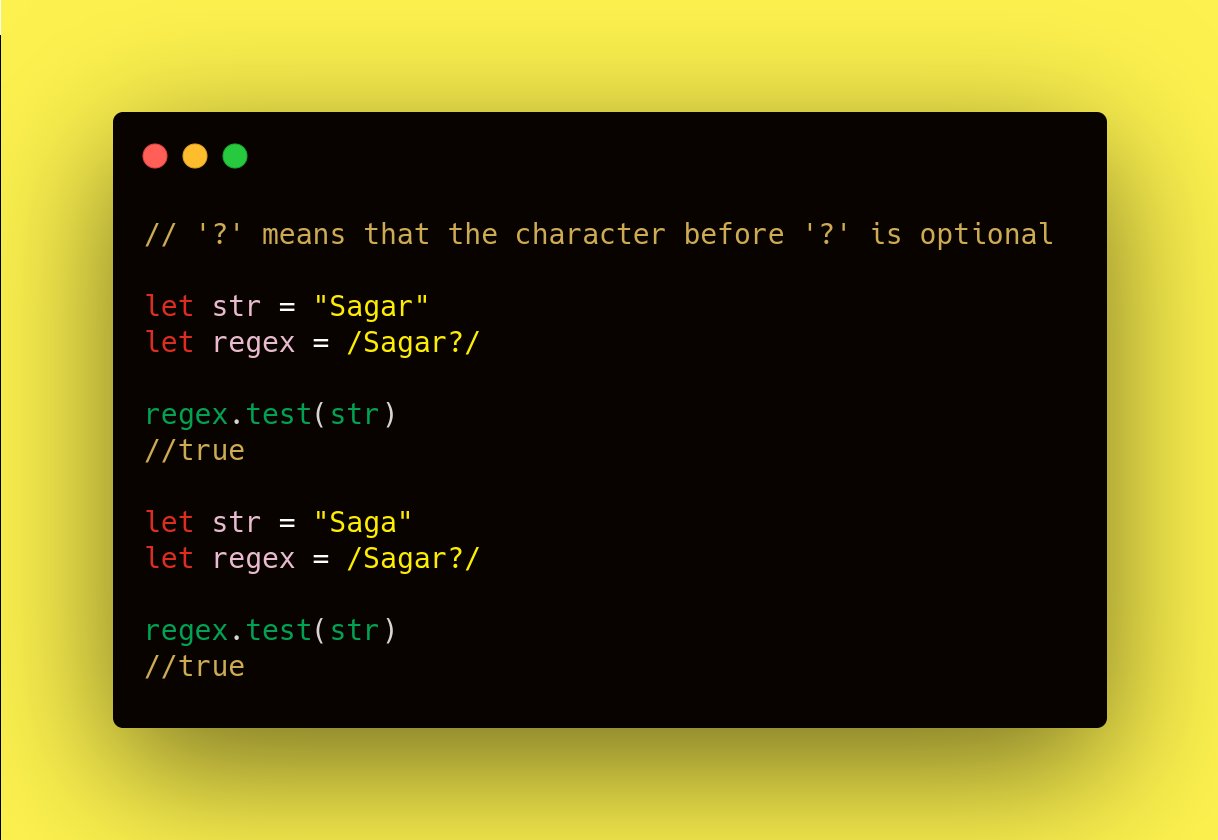
'?' is zero or more quantifier. It means that the character before '?' is optional.
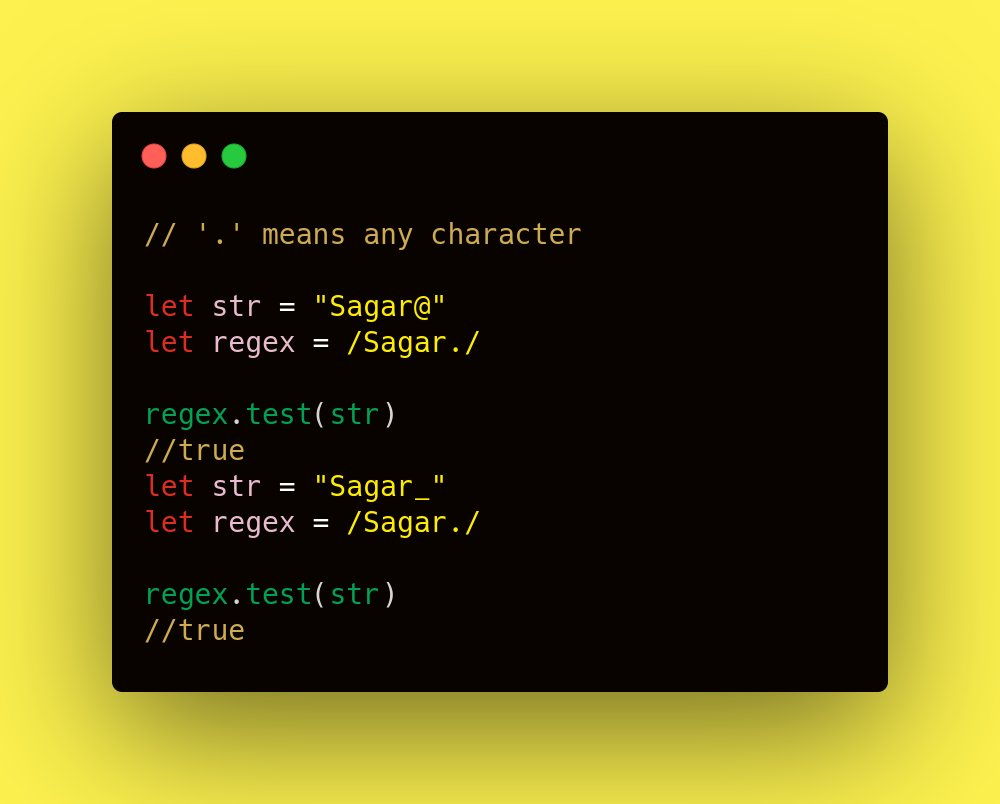
'.' means any character. We can match any character in place of '.'
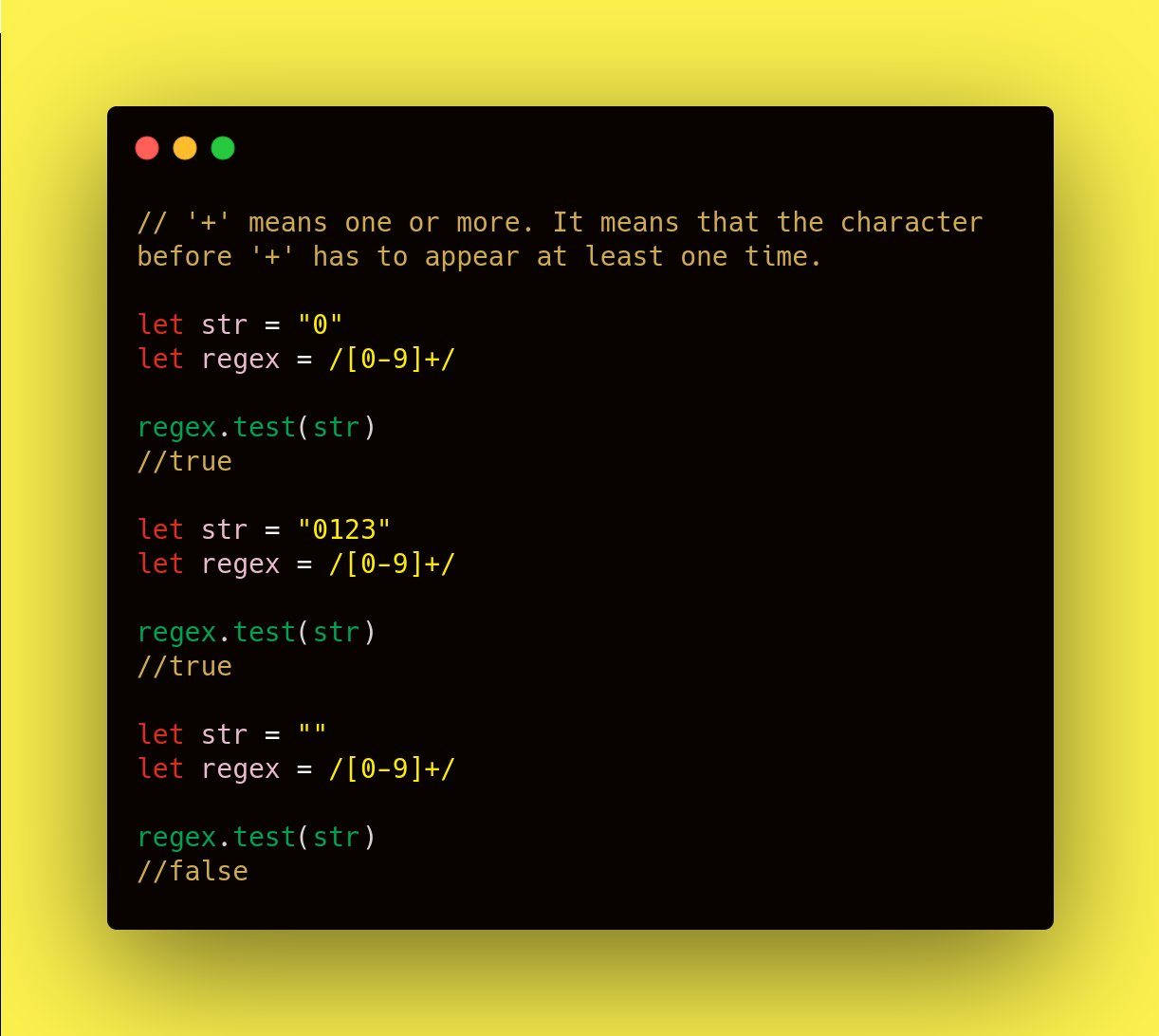
'+' means one or more. It means that the character before '+' has to appear at least one time.
'*' means zero or more quantifier.
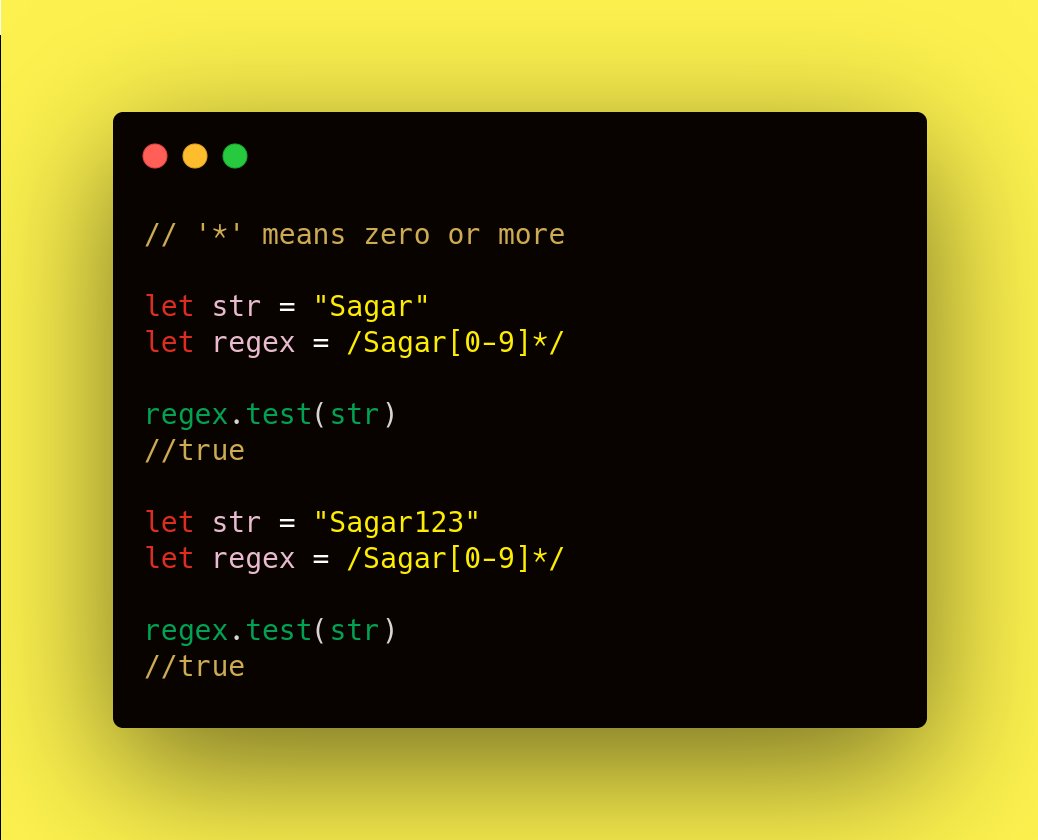
'\' means escape character. If we want to escape the feature of a special character we place it after '\'
Starting and Ending patterns :
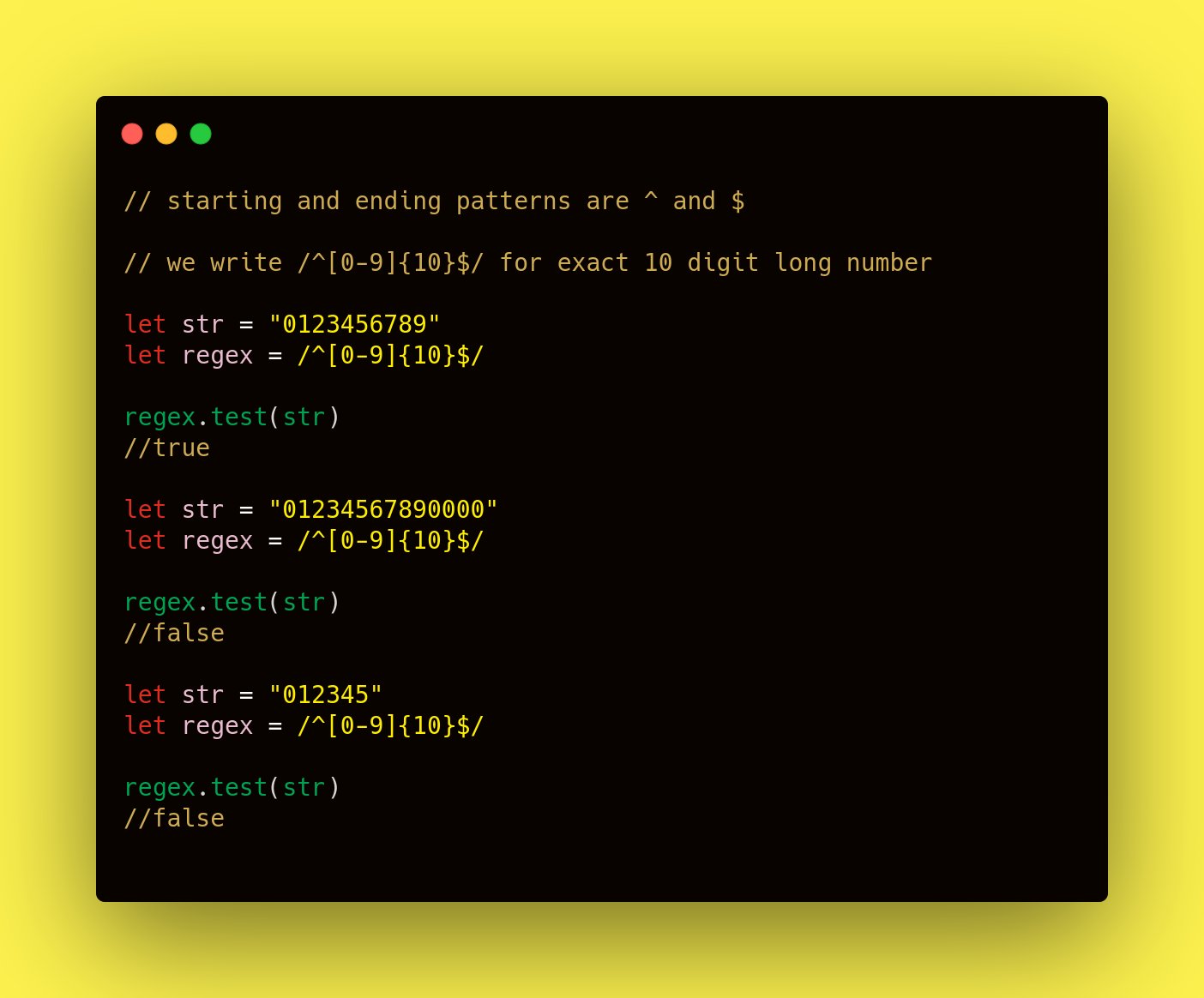
Suppose you want to take a 10digit number as an input. If you write [0-9]{10} it will also return true if the number is more than 10 digits long.
That's when we use starting and ending patterns to match the exact characters placed in between.
Alternate Characters :
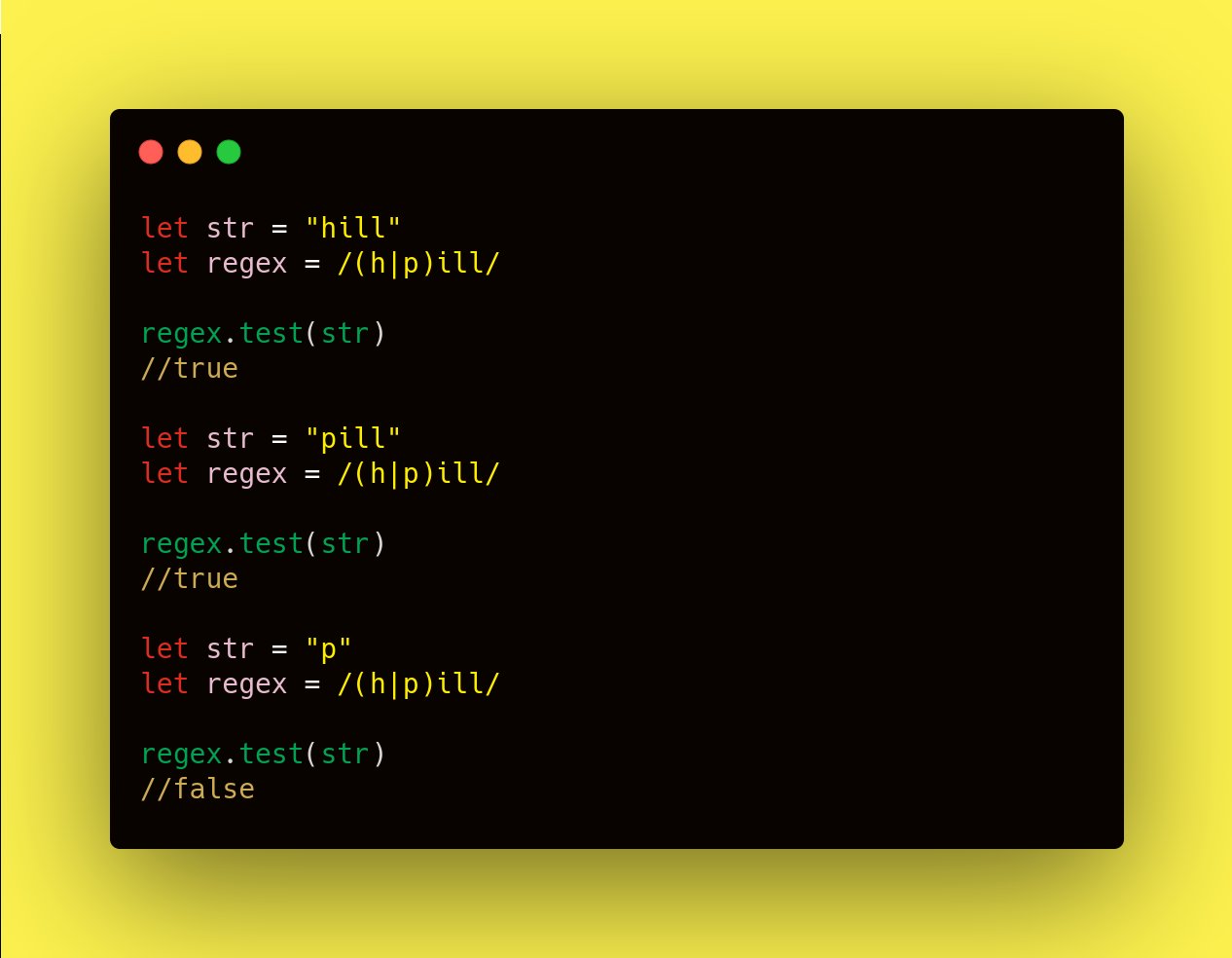
/h|p/ will match with either 'h' or 'p'.
/(h|p)ill/ will match with either hill or pill.
Example:
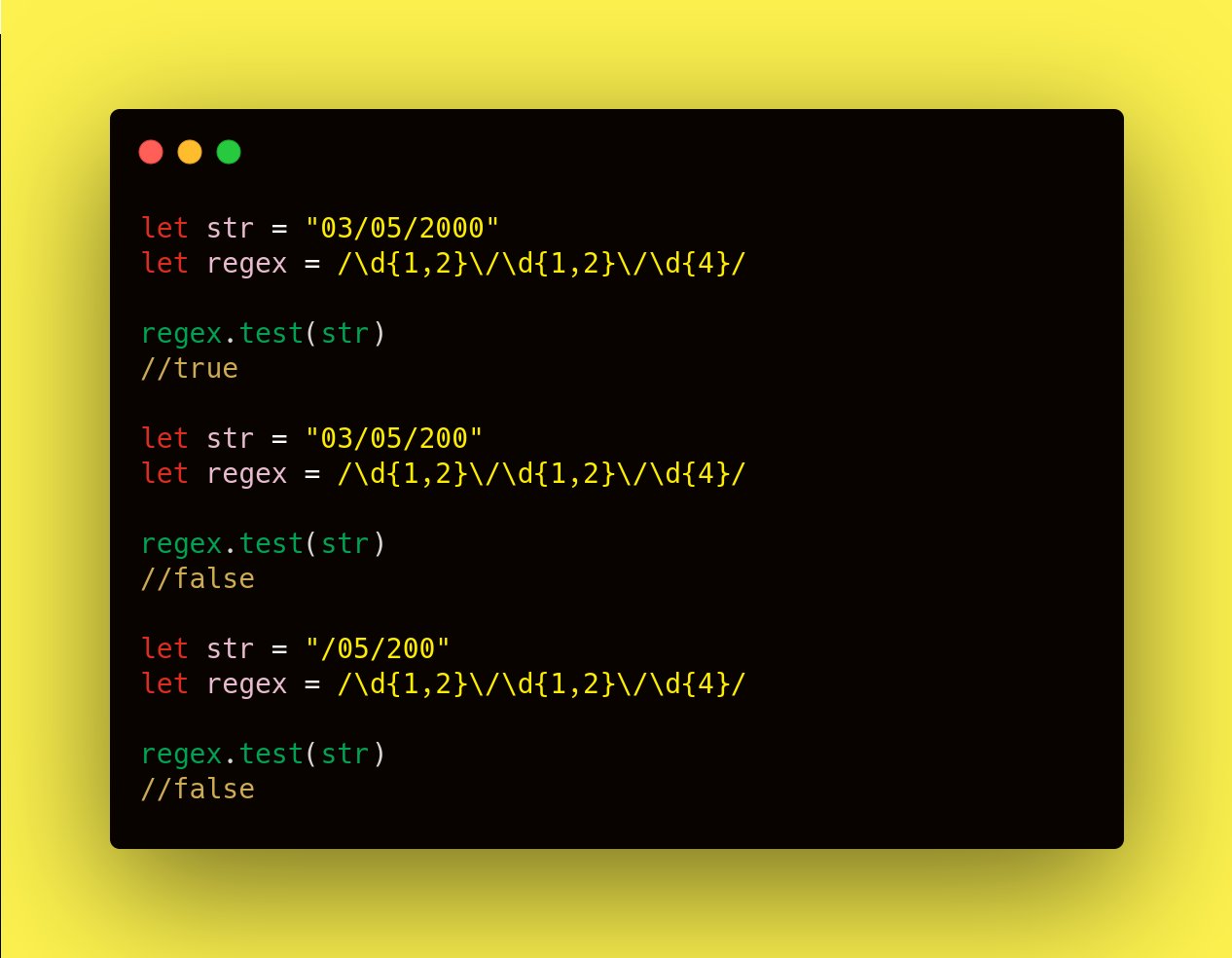
let date = /\d{1,2}\/\d{1,2}\/\d{4}/
The pattern is in between //
\d{1,2} means digit character, 1 or 2 digits long.
\ is escape ch. And / is the separator between date and month.
It repeats one more time.
Next \d{4} means 4digit long number. In this case year.
[End]
This was originally posted on Twitter as a thread.